
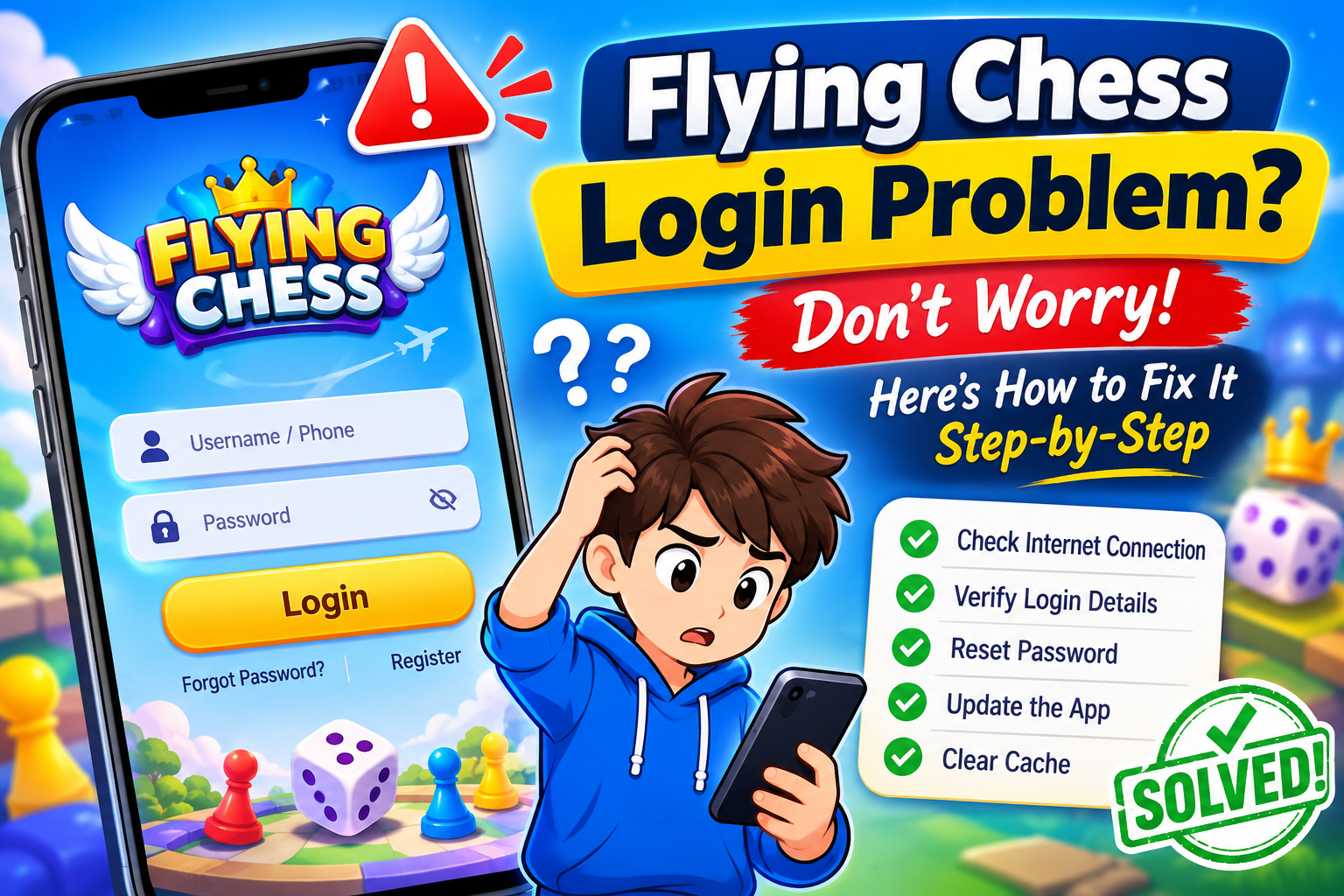
Are you facing a problem while logging into Flying Chess? Don’t worry! Login errors can sometimes happen because of an incorrect password, a weak internet connection, an outdated app, or temporary technical issues.
If you cannot access your Flying Chess account, this guide will help you understand common login problems and try simple solutions. Follow the steps below to make your login experience easier.
Why Is Flying Chess Not Logging In?
There can be several reasons why you cannot access your Flying Chess account. Understanding the problem is the first step toward finding the right solution.
Some common reasons include:
- Incorrect username or password
- Weak or unstable internet connection
- Outdated Flying Chess application
- Temporary app or server problems
- Incorrect account information
- App cache or loading issues
Let’s look at how you can troubleshoot these problems.
1. Check Your Internet Connection
A stable internet connection is important when opening an online gaming application. If your connection is weak, Flying Chess may not load properly or may show a login error.
How to fix it:
- Check whether your mobile data or Wi-Fi is working.
- Open another website or application to test your connection.
- If the internet is slow, switch between Wi-Fi and mobile data.
- Close Flying Chess and open it again.
- Try logging in once more.
A stable connection can help prevent many common login and loading problems.
2. Check Your Login Details
Sometimes, users cannot access their accounts because they enter incorrect login information.
Before pressing the login button, carefully check your registered phone number, email address, or username, depending on the login options available in your app.
Follow these simple steps:
- Open the Flying Chess application.
- Go to the Login section.
- Enter your registered account information.
- Carefully type your password.
- Check for extra spaces or typing mistakes.
- Tap the Login button.
Make sure you are using the same details that you used when creating your account.
3. Forgot Your Flying Chess Password?
Forgetting a password is a common reason for login difficulties. Fortunately, some app versions may provide a password recovery option.
How to recover your password:
- Open the Flying Chess login screen.
- Look for the Forgot Password option, if available.
- Follow the instructions shown on the screen.
- Enter the registered information requested by the app.
- Complete the verification process.
- Create a new, strong password if the recovery process allows it.
- Return to the login screen and try again.
Never share your password or verification code (OTP) with anyone.
4. Update the Flying Chess App
Using an outdated version of an application may sometimes cause compatibility or login problems.
To check for an update:
- Check the app version currently installed on your phone.
- Visit the trusted source from which you obtained the application.
- Check whether a newer compatible version is available.
- Read the update information carefully.
- Follow the installation instructions if an update is required.
Before updating, make sure you remember your account login details.
5. Clear the App Cache
Temporary app files can sometimes cause loading problems. Clearing the cache may help resolve these issues.
Steps to clear the cache on Android:
- Open your phone’s Settings.
- Select Apps or App Management.
- Find Flying Chess in the installed apps list.
- Open Storage or Storage Usage.
- Tap Clear Cache.
- Restart the application and try logging in again.
Important: Choose Clear Cache, not Clear Data, unless you understand the consequences. Clearing app data may remove locally stored information.
6. Restart Your Android Phone
Sometimes, a temporary problem with your phone can affect how an application works.
A simple restart may help refresh your device.
- Close the Flying Chess application.
- Restart your Android phone.
- Wait until your phone is fully ready.
- Check your internet connection.
- Open Flying Chess and try logging in again.
This is a simple troubleshooting step that you can try before making other changes.
7. Contact Flying Chess Support
If you have tried the above solutions and still cannot access your account, the problem may require assistance from the app’s support team.
Look for the Help or Customer Support option inside the application, if available.
When contacting support, explain your problem clearly and include:
- Your device model
- Your Android version
- The login error message
- A screenshot of the issue, if available
Never send your password, OTP, or sensitive payment information to anyone.
Tips to Avoid Flying Chess Login Problems
You can follow these simple habits to reduce the chances of future login difficulties:
- Keep your login details in a secure place.
- Use a stable internet connection.
- Keep your application updated.
- Create a strong and unique password.
- Avoid downloading modified or suspicious APK files.
- Never share your account password or OTP.
- Check whether your device supports the installed app version.
These precautions can help you maintain better account security.
Frequently Asked Questions (FAQs)
1. Why can’t I log into Flying Chess?
You may be entering incorrect login details, using an unstable internet connection, or experiencing a temporary application issue.
2. What should I do if I forget my Flying Chess password?
Check whether the login screen provides a Forgot Password option and follow its recovery instructions.
3. Can an outdated Flying Chess app cause login problems?
Yes, an outdated or incompatible version may sometimes cause technical issues. Check for a compatible update from a trusted source.
4. Does clearing the cache delete my Flying Chess account?
Clearing the cache normally removes temporary files, not your account. However, avoid selecting Clear Data unless you understand what information may be removed.
5. What should I do if Flying Chess keeps showing a login error?
Check your internet connection and login information first. If the problem continues, contact the app’s support team for account-specific assistance.
Final Words
Facing a Flying Chess login problem can be frustrating, especially when you want to access your game. However, many common issues can be investigated through simple steps such as checking your internet connection, verifying your login details, updating the application, and clearing temporary cache files.
Follow the troubleshooting methods in this guide one by one. If your account still does not open, contact the appropriate support team for further assistance.
Stay careful with your login information and enjoy a safer mobile gaming experience!
Leave a Reply